
Your HQ
Four steps, every day
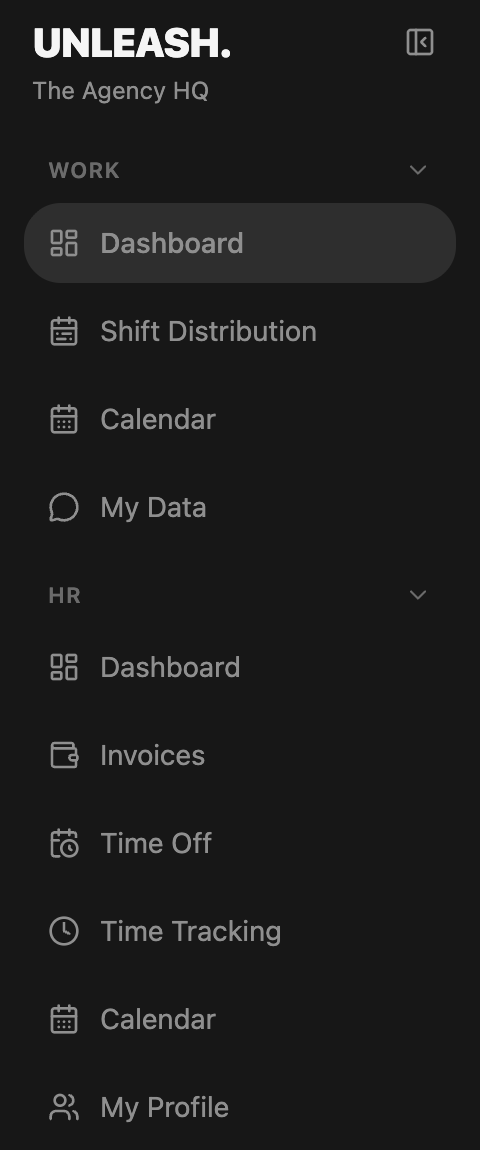
Shift Distribution
Before every shift

1
2
Enlarge1
Your creators and the goal for each
2
Click “Lock in” before the shift starts
Done when it looks like this
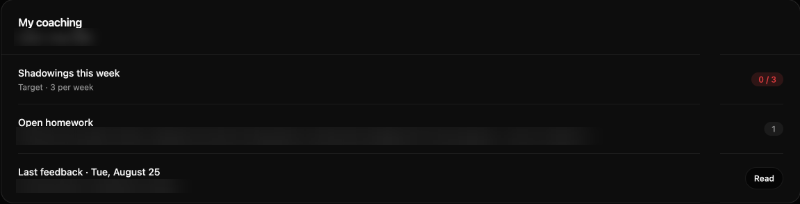
Dashboard › My coaching
3
4
5
Enlarge3
Your shadowings this week
Red until you reach your target
4
Open homework, with the due date
5
Read your coach’s last feedback
Calendar
Join your shadowings and log them
You watch a coach or a top chatter chat live in the Discord shadowing channels. Join any team’s session.
Standard
3The minimum
Care
5Needs more
Extra Care
7Close work

1
Enlarge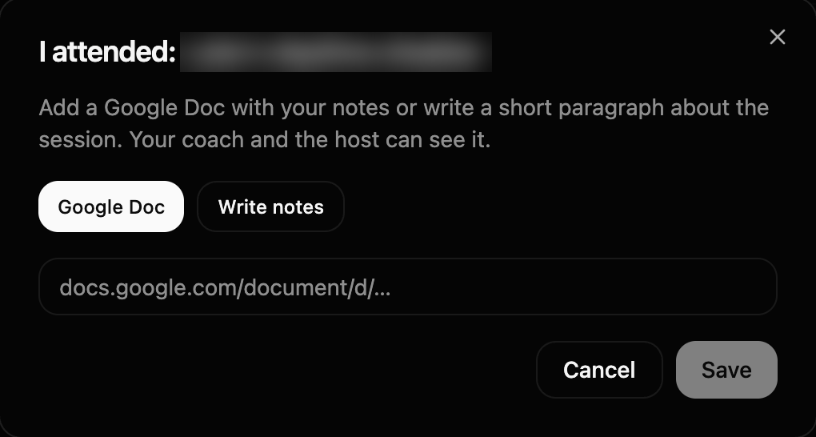
3
4
Enlarge1
Click “I attended” on the session you joined
2
Logged: “Attended ✓”
3
Google Doc link or “Write notes”
4
Save, the same day
Your coach and the host see it
Dashboard · My Data
Your data
Dashboard › My performance

1
2
Enlarge1
Your month so far
2
Your last 7 days
My Data

3
4
Enlarge3
Data, Distro, Notes
4
Your month at a glance
Green dot: good. Red dot: work on it.
My Data
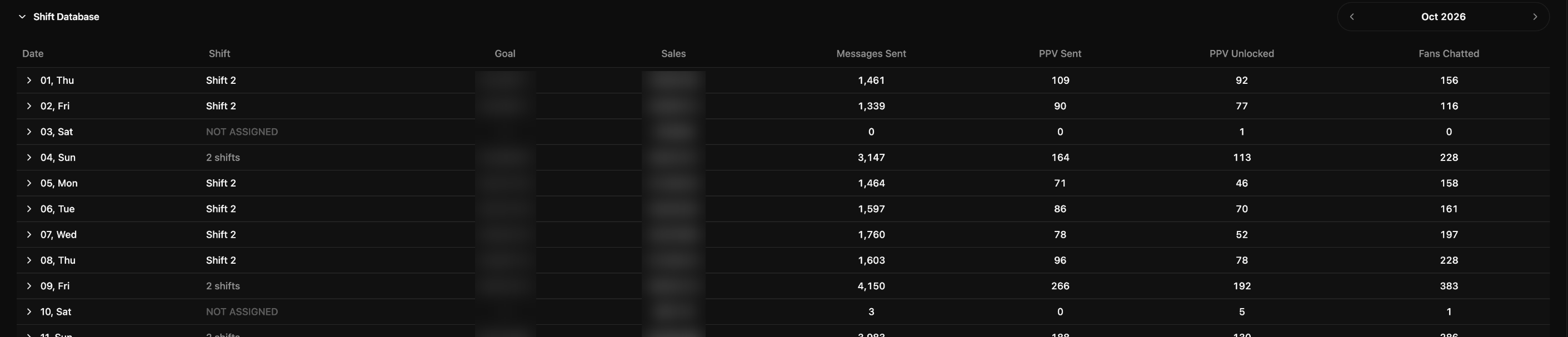
Every shift, every creator
My Data › Shift Database
1
Enlarge1
Every shift you worked: goal, sales, messages, PPVs, fans

2
Enlarge2
How you do on each creator
Open ratio, golden ratio, $ per fan, CVR
What changed
25.10.
First version for Fanfix: your team, the distro, the numbers and coaching are now in the HQ.